Catalogs: Your Service & Pricing Command Center
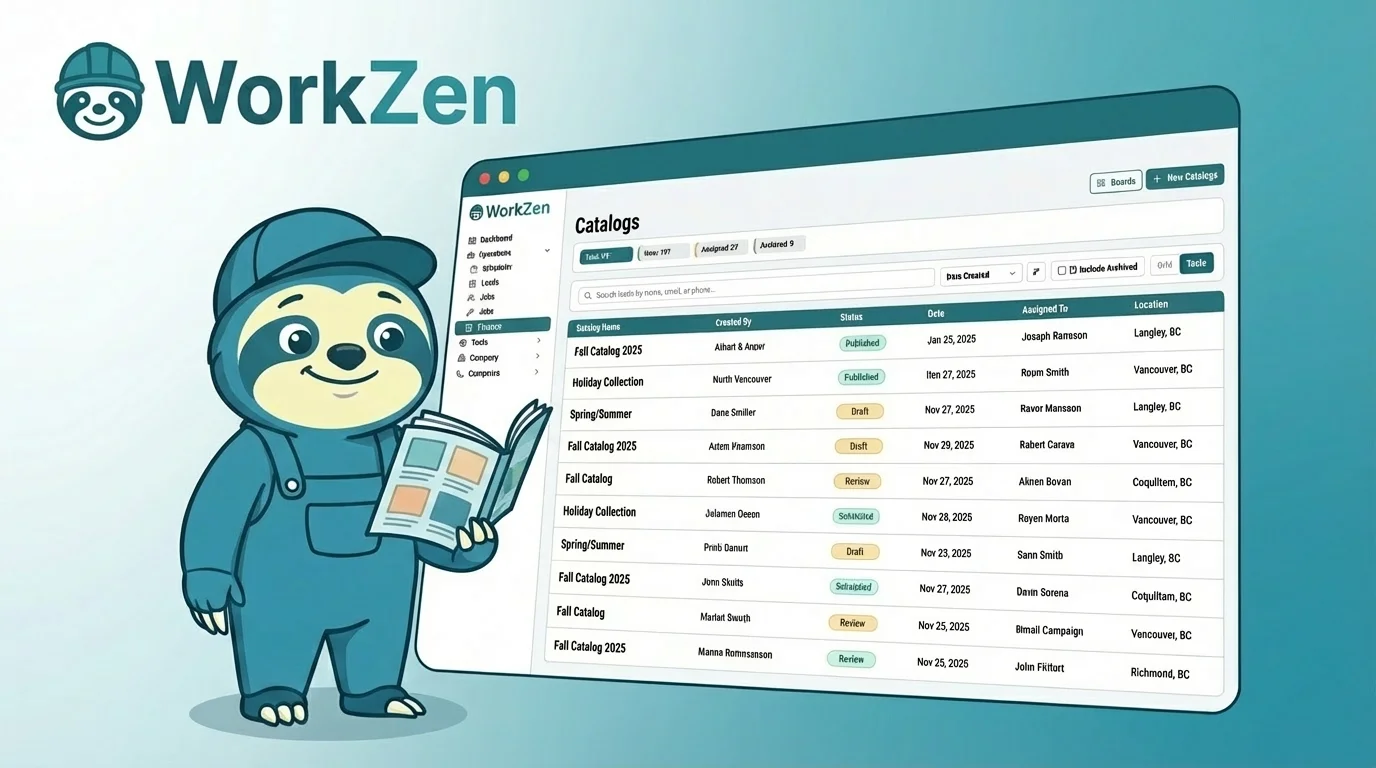
Every service business owner knows the frustration: a technician quotes one price while the office quotes another, or you spend precious minutes hunting for that pricing sheet you updated last month. Inconsistent pricing costs money, confuses clients, and makes your business look unprofessional. WorkZen Catalogs solve this by giving you a single source of truth for every service you offer.
What Are Catalogs?
Think of your catalog as a digital price book that lives in the cloud and follows your team everywhere. It's a centralized library containing all your services, materials, labor rates, and packages - complete with descriptions, pricing, and categories. Instead of typing "AC tune-up - $149" from memory every time you create an estimate, you simply select it from your catalog.

But catalogs go beyond simple price lists. Each item can include detailed descriptions that explain what's included, helping clients understand the value they're getting. You can attach photos, set cost tracking for profitability analysis, and even link related items that are commonly sold together.
Why Catalogs Transform Your Business
The immediate benefit is speed. Creating an estimate that once took ten minutes now takes two. Your team selects items from the catalog, adjusts quantities if needed, and sends - no typing, no searching, no second-guessing prices. This speed matters especially in competitive markets where the first quote often wins the job.
But the deeper transformation is consistency. When every team member pulls from the same catalog, clients get the same professional experience regardless of who they interact with. Your brand feels more established, your pricing feels more confident, and disputes about "what was quoted" virtually disappear. Plus, when it's time to raise prices, you update the catalog once and every future estimate reflects the change automatically.
Getting Started with Catalogs
Building your first catalog doesn't require a weekend of data entry. Start with your top twenty services - the jobs that make up 80% of your revenue. For each one, add a clear name, a client-friendly description, and your current price. As you work through the week, add new items when you encounter services that aren't yet cataloged. Within a month, you'll have a comprehensive library built naturally from your actual work.
Organize items into categories that match how your team thinks. A plumbing company might use "Drain Services," "Water Heaters," and "Fixtures." An HVAC business might prefer "Maintenance," "Repairs," and "Installations." The right structure makes searching fast and training new employees simple.
Your Pricing Foundation
A well-maintained catalog becomes the foundation for scaling your business. New hires can create accurate estimates on day one. Franchise operations maintain pricing consistency across locations. And when tax season arrives, you have clean data showing exactly what services generated your revenue.
WorkZen's free-forever plan includes full catalog functionality, so you can start building your service library today. The investment of time pays dividends every single day in faster quotes, happier clients, and a more professional operation.
Frequently Asked Questions
Ready to transform your field service business?
Start using WorkZen today - it's free to get started!