WorkZen vs Jobber: Feature Comparison (2026)
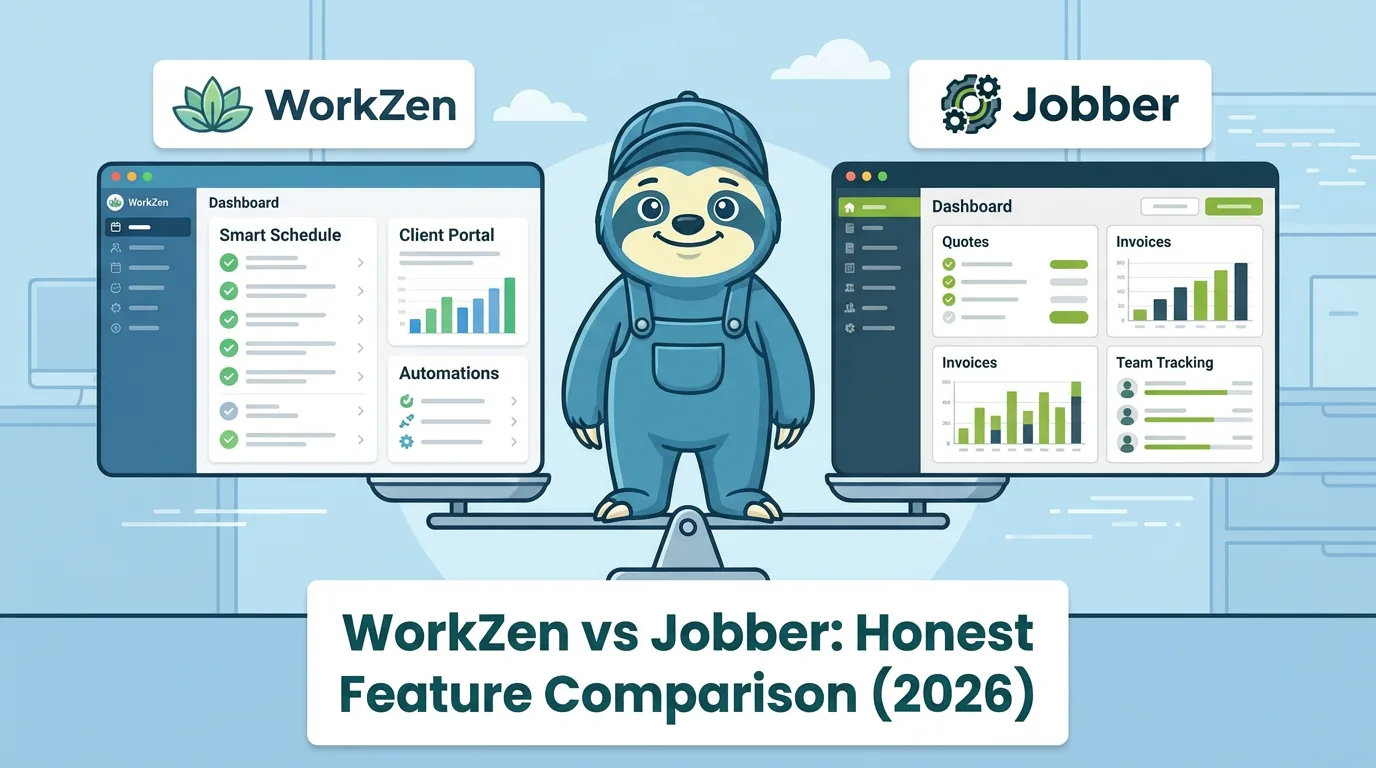
Choosing field service management software is one of those decisions that affects every part of your business - how you schedule jobs, communicate with clients, send estimates, collect payments, and track your revenue. Jobber has been a well-known name in this space for years, and WorkZen is a newer platform that has been gaining traction by doing several things differently. If you are evaluating both, you deserve an honest look at where each one excels and where each one falls short.
This is written by the WorkZen team, so we are naturally going to know our own product better. But we are going to be straight about what Jobber does well too, because a comparison that pretends the other product has no strengths is not useful to anyone. The goal is to help you figure out which platform fits your specific business, not to convince you that one is universally better than the other.
Who Each Platform Is Built For
Jobber targets small to medium-sized home service businesses, generally in the 1 to 50 employee range. Their sweet spot is established businesses with 5 to 20 team members that need a reliable system for scheduling, dispatching, invoicing, and client communication. Jobber has been in the market since 2011 and has built a mature product that serves this segment well.
WorkZen targets a similar audience but extends further in both directions - from solo contractors who need a free, no-commitment starting point all the way to growing teams that need advanced features like AI-powered tools and extensive lead capture capabilities. WorkZen was built more recently, which means it was designed from the ground up with modern technology and workflow patterns that older platforms have had to bolt on over time.
The most significant difference in target audience comes down to where you are in your business journey. If you are just starting out or running lean, WorkZen's free-forever plan means you can manage your business professionally without adding a software subscription to your overhead. Jobber requires a paid plan from day one (after the trial period), which is a real consideration when every dollar matters. 🎯
Pricing Reality
Pricing is where the platforms diverge most sharply. WorkZen offers three tiers: a free-forever plan, ZenGrow, and ZenAI. The free plan includes core features that many solo contractors and small operations need - client management, basic scheduling, invoicing, estimates, and lead capture. The paid plans add team management, advanced features, and AI-powered tools at competitive price points. For Jobber's side of the ledger, what Jobber costs in 2026 walks through every plan, seat fee and add-on.
Jobber offers three paid tiers: Core at about $40 USD per month, Connect at about $104 USD per month, and Grow at about $208 USD per month. There is no free plan - only a 14-day trial. For a solo contractor or a very small operation, that monthly cost is significant, especially when you are not sure yet whether you will use all the features you are paying for.
| Plan | WorkZen | Jobber |
|---|---|---|
| Entry-level | Free forever | ~$40/mo (Core) |
| Mid-tier | ZenGrow (paid) | ~$104/mo (Connect) |
| Top-tier | ZenAI (paid) | ~$208/mo (Grow) |
| Free option | Yes - permanently free | 14-day trial only |
| Annual savings | Available on paid plans | Available |
The pricing comparison matters most for businesses at the early stage. A contractor paying $40 to $100 per month for software they use partially is spending $480 to $1,200 per year on overhead that WorkZen's free plan eliminates entirely. For established businesses with larger teams and higher revenue, the pricing difference becomes proportionally less significant, and the decision shifts more toward features and workflow fit. 💰
Scheduling and Dispatching
Both platforms handle scheduling and dispatching, but the approach differs. Jobber's scheduling is mature and well-tested. Drag-and-drop calendar management, team scheduling with color-coded assignments, route optimization, and GPS tracking are all solid in Jobber. For businesses dispatching multiple crews daily, Jobber's scheduling tools have had years of refinement and it shows.
WorkZen's scheduling includes the core capabilities - calendar management, job assignment, visit scheduling, and team coordination. The scheduling system was built with a modern architecture that makes it responsive and intuitive, and it includes features like Kanban board views for workflow management alongside the traditional calendar view. For most small to medium operations, both platforms handle scheduling effectively.
Where Jobber has an edge is in the depth of its dispatching features for larger teams. Route optimization with multiple crews, real-time GPS tracking across a fleet, and batch scheduling are areas where Jobber's longer time in market shows. If you are running 10 or more technicians and dispatching is a central part of your daily operations, Jobber's dispatching maturity is worth considering.
Estimating and Invoicing
Estimating and invoicing are table-stakes features for any FSM platform, and both WorkZen and Jobber handle the basics well - creating estimates with line items, converting approved estimates to invoices, sending professional-looking documents to clients, and tracking payment status.
WorkZen's estimating workflow includes features like optional line items that let clients customize their own scope, deposit invoicing for collecting upfront payments on approved estimates, and AI-powered estimate description generation on the ZenAI plan that helps contractors write professional scope of work descriptions faster. The document workflow from lead to estimate to job to invoice is designed to flow naturally without redundant data entry.
Jobber's estimating and invoicing is similarly capable, with strong template customization, batch invoicing for recurring services, and quote follow-up automation on higher-tier plans. Jobber's invoicing has a slight edge in recurring service billing - if you run a business with lots of monthly maintenance contracts (lawn care, cleaning, pool service), Jobber's recurring invoice features are well-suited to that workflow.
Lead Management and Capture
Lead management is where WorkZen pulls ahead significantly. Most FSM platforms treat lead capture as an afterthought - a basic web form that feeds into a list. WorkZen built lead management as a core feature from the start, and it shows in the depth of the toolset.
WorkZen includes a WordPress connector plugin that integrates with every major form plugin - Contact Form 7, WPForms, Gravity Forms, Ninja Forms, Elementor, and many more. This means if you have a WordPress website (which most service businesses do), your form submissions flow directly into WorkZen as actionable leads with zero manual data entry. You also get customizable lead capture forms, landing page support, and lead status tracking with a pipeline view.
WorkZen's lead tools extend to telephony and AI-powered features. On the ZenAI plan, AI phone answering can capture lead information from phone calls automatically, qualifying callers and feeding their details directly into your lead pipeline. This kind of integrated lead capture - from website forms, phone calls, and manual entry all flowing into one system - is not something Jobber matches at the same depth. 📈
Jobber has request forms and some lead management features, but lead capture is not its central strength. If your business growth depends heavily on capturing and converting leads from multiple sources, WorkZen's lead management tools are materially more comprehensive.
Client Communication
Both platforms include client communication tools - automated appointment reminders, quote and invoice delivery, and job status updates. Jobber supports email and text message communication with clients, and their client hub gives clients a self-service portal for viewing quotes, approving work, and making payments.
WorkZen's communication tools include email and SMS capabilities along with integrated telephony features. The ability to manage client calls, text messages, and email from within the platform reduces the need for separate communication tools. On the AI-powered tier, features like smart follow-up suggestions and AI-generated communication drafts add efficiency for busy contractors who struggle to keep up with client correspondence.
Jobber's client hub is a mature feature that gives clients a branded experience for interacting with your business. This is particularly valuable for businesses that want to project a polished, professional image. WorkZen focuses more on empowering the contractor's side of communication rather than a client-facing portal.
Integrations and Ecosystem
This is an area where Jobber has a clear advantage due to time in market. Jobber integrates with a wide range of third-party tools - QuickBooks, Xero, Stripe, Mailchimp, Zapier, and many more. The Zapier integration alone opens the door to thousands of additional connections. For businesses that rely on a specific ecosystem of tools, Jobber's integration library is broader.
WorkZen's integration ecosystem is growing. QuickBooks integration is available, and the platform's API supports custom integrations. The WordPress connector is a standout integration that Jobber does not match - it is purpose-built for the most common website platform that service businesses use, and it goes deep with support for over a dozen form plugins.
If you need specific third-party integrations today - say, a direct connection to a particular marketing platform or accounting tool - check whether both platforms support it before deciding. Jobber is more likely to have it already. If your integration needs are focused on WordPress and accounting software, WorkZen covers those well.
Reporting and Analytics
Jobber offers solid reporting across revenue, job costing, team performance, and client metrics. Their reports are well-organized and provide the operational visibility that growing businesses need. Custom reporting and advanced analytics are available on higher-tier plans.
WorkZen's reporting covers the core metrics that service businesses track - revenue, outstanding invoices, job status, lead conversion, and team productivity. The reporting is designed to give business owners actionable insights without overwhelming them with data they will never use. For most small to medium businesses, both platforms provide sufficient reporting depth.
Where WorkZen adds value is in lead funnel analytics - tracking where leads come from, conversion rates by source, and revenue attribution back to specific lead capture channels. If you are investing in marketing and need to understand which channels produce paying clients, WorkZen's lead analytics give you visibility that most FSM platforms do not offer. 📊
The Migration Question
Switching FSM platforms is not trivial. You have client data, job history, outstanding invoices, and team workflows that all need to transfer. Both platforms support data import, but the complexity depends on how much historical data you need to bring over and how deeply embedded you are in your current platform's ecosystem.
If you are currently on Jobber and considering WorkZen, the migration path involves exporting your client list, active jobs, and outstanding invoices, then importing them into WorkZen. Running both platforms in parallel for a billing cycle is the safest approach - it lets you verify that everything transferred correctly before cutting over completely.
If you are starting fresh with no existing FSM platform, WorkZen's free plan gives you a risk-free way to start. You can set up your business, learn the platform, and decide whether to upgrade - all without the pressure of a trial countdown or a monthly bill.
Which Platform Fits Your Business
| Feature Area | WorkZen | Jobber | Edge |
|---|---|---|---|
| Free plan | Yes - permanently | No (trial only) | WorkZen |
| Lead capture | Deep - WordPress, forms, AI calls | Basic request forms | WorkZen |
| AI tools | Yes - ZenAI plan | Limited | WorkZen |
| Scheduling / dispatching | Strong for small-medium teams | Mature, stronger for large fleets | Jobber (large teams) |
| Recurring billing | Supported | Strong - purpose-built | Jobber |
| Integrations | Growing - QuickBooks, WordPress, API | Broad - Zapier, Xero, Mailchimp, + more | Jobber |
| Client-facing portal | No | Yes - client hub | Jobber |
| Reporting | Core metrics + lead funnel | Comprehensive | Tie / Jobber (advanced) |
| Mobile app | Modern, iOS + Android | Established, iOS + Android | Tie |
For solo contractors and very small operations, WorkZen's free-forever plan is the practical choice. You get professional-grade tools without adding monthly overhead, and you can upgrade as your business grows and your needs expand. If neither platform is the right fit, our roundup of other Jobber alternatives covers eight more.
For established businesses with 5 to 20 team members that need deep dispatching, route optimization, and a wide integration ecosystem, Jobber is a strong option. Its years in market have produced a mature, reliable platform that serves mid-sized service businesses well.
For businesses that prioritize lead capture, AI-powered tools, and affordability, WorkZen offers a combination that Jobber does not match - especially the depth of lead management tools, the WordPress integration, and the AI features that help contractors work faster. If your business growth depends on capturing more leads and converting them efficiently, WorkZen's toolset is purpose-built for that challenge. 🏆
The best advice is to try the platform that aligns with your priorities. WorkZen's free plan makes that easy - there is no commitment, no credit card required, and no trial expiration. Set it up, run your business on it for a month, and see whether it fits. That is the most reliable comparison method there is.
Frequently Asked Questions
Ready to transform your field service business?
Start using WorkZen today. It's free to get started!