Route Optimization: Save 10 Hours a Week
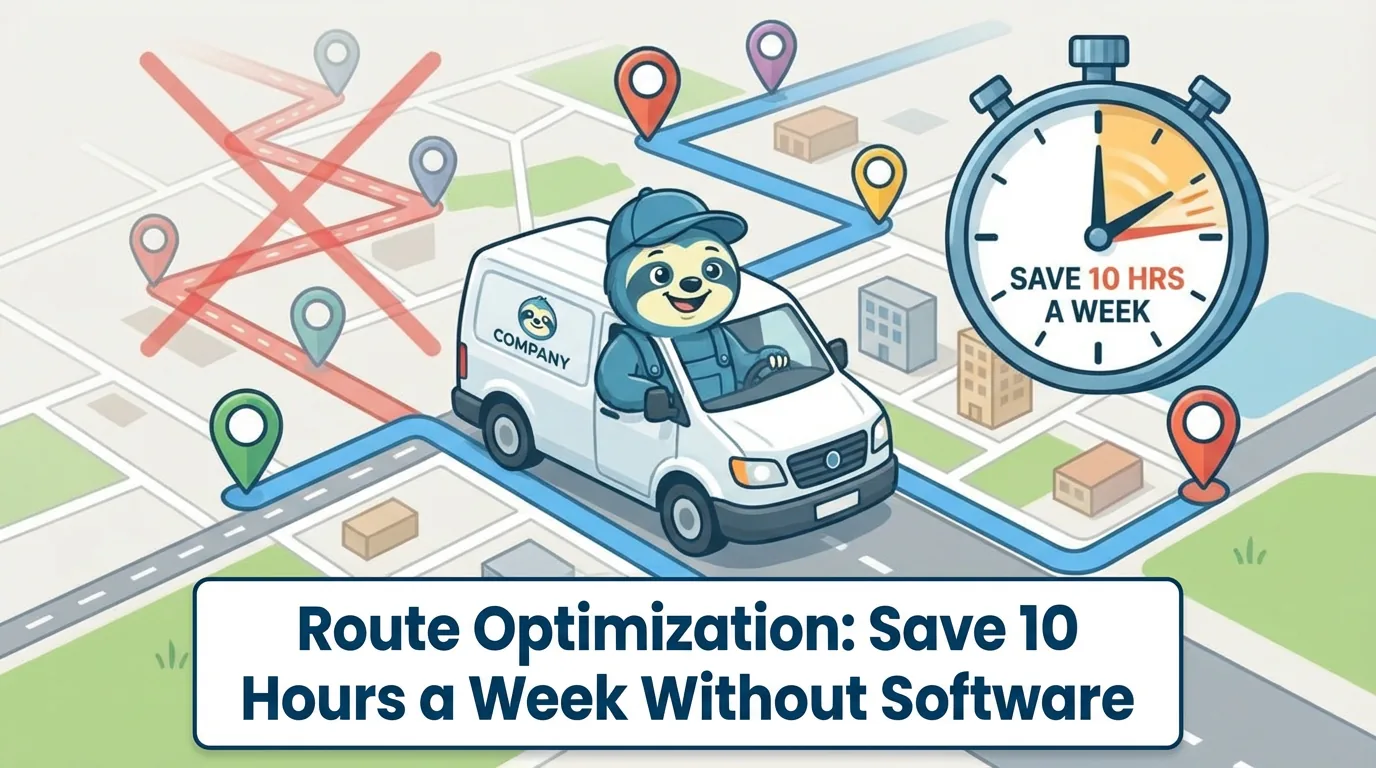
Every service business owner knows the feeling of watching a truck crisscross town all day, hitting jobs on opposite ends of the city back to back. That wasted windshield time is not just frustrating - it is expensive. Fuel costs add up, technicians burn daylight sitting in traffic instead of billing, and the wear on vehicles shortens fleet life. The good news is that you do not need a $200-per-month routing platform to fix this. A handful of deliberate scheduling habits, some free tools, and basic math can reclaim ten or more hours every week.
The strategies in this guide are built for small to mid-size service companies running two to fifteen trucks. They require no special software beyond Google Maps and a spreadsheet. What they do require is a willingness to change how you think about scheduling - shifting from "first come, first scheduled" to geographic and time-based logic.
Measure Your Current Windshield Time First
You cannot improve what you have not measured. Before changing anything, spend one week tracking actual drive time per technician per day. Have each tech note their odometer reading at the start and end of the day, or pull GPS data if your vehicles have basic tracking. Divide total daily miles by the number of jobs completed to get your average miles-per-job figure.
For most service businesses running without geographic scheduling, the average drive time between jobs lands between 25 and 45 minutes. That means a technician completing four jobs per day might spend two to three hours just driving. Over a five-day week, that is ten to fifteen hours of non-billable time per tech. Multiply that by your hourly labor cost and the number suddenly has real weight. 📊
Once you have a baseline, you have a target. Even modest improvements - cutting average drive time between jobs from 35 minutes to 20 minutes - translate to over an hour saved per tech per day. Across a small crew, that is the equivalent of hiring a part-time employee without adding payroll. ⏱️
Zone-Based Scheduling Is the Foundation
The single most effective route optimization strategy for service businesses is zone-based scheduling. The concept is straightforward: divide your service area into geographic zones and assign each zone to specific days of the week. Monday might be the northwest quadrant, Tuesday the southeast, Wednesday downtown and surrounding neighborhoods, and so on.
This approach works because it eliminates the randomness that causes most windshield waste. When a new booking comes in, you slot it into the day that matches its zone rather than the next available opening. Clients rarely care whether their appointment is Monday or Wednesday - they care that you show up when you say you will and do good work. Most will happily accept the zone-appropriate day when you explain your scheduling approach.
Start by mapping your last 60 days of job addresses on Google Maps or a similar tool. You will quickly see natural clusters. Major highways, rivers, and commercial districts create natural zone boundaries. Draw three to five zones based on where your work actually concentrates, not based on equal geographic area. A dense urban zone might cover five square miles while a suburban zone covers twenty. The goal is roughly equal job volume per zone per day, not equal territory size.
| Day | Zone | Coverage Example |
|---|---|---|
| Monday | Northwest | Suburbs north of the highway |
| Tuesday | Southeast | Industrial and residential east side |
| Wednesday | Downtown | Core commercial district |
| Thursday | Southwest | Residential south neighborhoods |
| Friday | Flex / Overflow | Out-of-zone urgents + backfill |
Use Time-of-Day Patterns to Your Advantage
Geographic zones handle the "where" of scheduling, but the "when" within each day matters just as much. Traffic patterns are predictable, and scheduling around them prevents your crew from sitting in congestion during peak hours.
Schedule jobs closest to your shop or starting point for the first appointment of the day. This gets trucks moving before rush hour peaks and keeps the initial drive short. Mid-morning and early afternoon slots work best for jobs in busier commercial corridors where parking and access are easier outside of commute times. Push residential appointments in quieter neighborhoods to late morning or mid-afternoon when streets are clear and homeowners are more likely to be available.
If you serve both residential and commercial clients, time-of-day scheduling becomes even more powerful. Commercial clients often prefer early morning or late afternoon visits that minimize disruption to their business. Residential clients tend to prefer mid-morning through early afternoon. Aligning your schedule with these preferences naturally reduces conflicts and no-shows while keeping your route efficient. 🗺️
| Time Slot | Best Client Type | Reason |
|---|---|---|
| 7:00 - 9:00 AM | Commercial | Minimal business disruption, easy access |
| 9:00 AM - 12:00 PM | Residential | Streets clear, homeowners available |
| 12:00 - 2:00 PM | Commercial | Lunch lull, parking easier |
| 2:00 - 5:00 PM | Residential | Homeowners returning, low traffic |
| Early / Late flex | Commercial (urgent) | Bookend slots for priority calls |
Batch Similar Job Types Together
Beyond geography, grouping similar job types on the same day or in sequence creates efficiency that is easy to overlook. When a technician runs the same type of job three or four times in a row, they carry the right tools, the right parts, and the right mental framework. Switching between a furnace installation and a drain cleaning and a thermostat replacement means different tool loadouts, different vehicle inventory, and different diagnostic mindsets.
Batching similar jobs reduces the time spent loading and unloading specialized equipment. It reduces the chance of forgetting a critical part at the shop. It also improves job completion speed because the tech is in a rhythm - the fourth water heater install of the day goes faster than the first one did.
For companies that offer multiple service lines, consider assigning specific service types to specific days within each zone. Monday in the north zone might be maintenance calls, while Thursday in the north zone handles installations. This level of structure sounds rigid, but in practice it creates predictability that both your team and your clients appreciate.
The 10-Hour Math, Broken Down
Here is how the numbers work for a typical three-truck operation. Assume each tech currently averages 35 minutes of drive time between jobs and completes four jobs per day. That is 140 minutes - just over 2.3 hours - of driving per tech per day. Across three techs and five days, that totals roughly 35 hours of weekly windshield time.
With zone-based scheduling and time-of-day optimization, most companies reduce average inter-job drive time to 15-20 minutes. Using 18 minutes as a realistic target, the same crew now spends 72 minutes driving per tech per day. Weekly total drops to about 18 hours. That is a 17-hour reduction, well beyond the 10-hour target. Even a conservative improvement - dropping from 35 to 25 minutes average - saves over 10 hours per week across the crew.
| Scenario | Avg Drive Time | Daily Drive (3 techs) | Weekly Total | Weekly Savings |
|---|---|---|---|---|
| Before optimization | 35 min/job | ~7 hrs | ~35 hrs | - |
| Conservative improvement | 25 min/job | ~5 hrs | ~25 hrs | ~10 hrs |
| Target optimization | 18 min/job | ~3.6 hrs | ~18 hrs | ~17 hrs |
Those saved hours convert directly to capacity. Each tech gains roughly 45 minutes to an hour of billable time per day. At an average ticket of $150 to $250, that is one additional job per tech per day. Over a month, a three-truck crew running zone-based scheduling can realistically add 50 to 60 additional jobs without adding a single employee or working longer hours. 📈
Use Google Maps Multi-Stop for Daily Route Ordering
Once your schedule is built around zones, the next layer of optimization is ordering the stops within each day for minimum drive time. Google Maps handles this well enough for most crews. Enter the day's addresses as multiple stops, then drag them into different orders to see how total drive time changes. The optimal order is rarely the order in which jobs were booked.
A practical workflow looks like this: at the end of each day, the dispatcher or office manager pulls tomorrow's confirmed jobs, enters the addresses into Google Maps, and reorders them for the shortest total route. Share the optimized order with each tech via text, email, or your scheduling tool. This five-minute daily habit consistently saves 20 to 30 minutes of drive time per route.
For days with more than ten stops per tech, Google Maps hits its limit. Free tools like RouteXL handle up to 20 addresses and automatically calculate the most efficient order. The output is a simple ordered list that any tech can follow. No subscription required, no learning curve, and the time savings pay for themselves on the first day.
| Tool | Max Stops | Cost | Best For |
|---|---|---|---|
| Google Maps | 10 | Free | Most daily routes |
| RouteXL | 20 | Free | Longer days, dense stops |
| RouteXL (paid) | 100+ | Low monthly fee | Large crews, high-volume days |
| Spreadsheet by postal code | Unlimited | Free | Manual sorting, rural areas |
Schedule Buffer Time Intelligently
One reason many owners resist structured scheduling is the fear that it removes flexibility. What happens when a job runs long? What about emergency calls? The answer is strategic buffer time - and where you place it matters more than how much you add.
Avoid placing buffer time between every job. That approach wastes the efficiency gains you just created. Instead, build one 30-minute buffer into the middle of each tech's day, typically between the second and third job. If earlier jobs run on schedule, the tech can use that buffer to handle a quick callback, pick up parts, or start the next job early. If a morning job runs long, the buffer absorbs the delay without cascading into the afternoon.
For emergency and same-day calls, reserve one slot per day per zone as a "flex slot" that gets filled with urgent requests or used as overflow. If no emergency comes in, fill it with a job from the next day's schedule in the same zone. This approach keeps your routing tight while maintaining the responsiveness that clients expect from a service business. 💡
Track and Refine Weekly
Route optimization is not a one-time project. Traffic patterns shift with seasons, your client base grows into new areas, and job mix changes over time. Build a weekly review habit where you look at three things: average drive time per job, total daily miles per truck, and jobs completed per tech per day.
Keep a simple spreadsheet tracking these three numbers week over week. After a month of zone-based scheduling, you will have enough data to see which zones need rebalancing. Maybe your Thursday zone has grown busier than your Monday zone, or a new residential development has shifted where your work concentrates. Adjust zone boundaries quarterly based on actual job distribution.
The crews that get the most out of route optimization are the ones that treat it as an ongoing operating discipline rather than a one-time fix. Small weekly adjustments compound into significant annual savings. A crew that saves 10 hours per week saves 500 hours per year - the equivalent of 12 full work weeks of recovered capacity, all from scheduling smarter instead of working harder.
Getting Your Team to Buy In
The biggest obstacle to route optimization is rarely the strategy itself - it is getting your team to follow the new scheduling discipline. Technicians who are used to choosing their own route order or who prefer certain neighborhoods will push back on structured zones. The key to overcoming resistance is showing them the personal benefit.
Frame zone-based scheduling as less time in traffic and more time doing actual work. Most techs would rather turn wrenches than sit in their truck. Point out that shorter drive times mean less fatigue at the end of the day and a better chance of finishing on time. If you tie any performance bonuses to jobs completed, the math becomes even more compelling - more jobs per day means more earning potential.
Start with a two-week pilot using your most receptive tech or crew. Track the results publicly and let the numbers speak for themselves. When the rest of the team sees one crew finishing earlier with the same number of jobs, adoption tends to follow naturally. Mandate the system only after you have proof that it works in your specific operation, and resistance drops significantly. ✅
Frequently Asked Questions
Ready to transform your field service business?
Start using WorkZen today. It's free to get started!