Leads: From Contact to Payment
Leads flow through WorkZen in a fixed arc: capture (widget, WordPress, booking form, phone, or manual entry), claim by a teammate, work the deal with visits and estimates, then convert to a client for jobs, invoices, and payment. This guide walks the full journey and links the how-to for each step.
In the service business world, there's an old saying: "A lead ignored is a competitor's gift." Every phone call, form submission, and referral represents potential revenue, but only if you handle it right. WorkZen turns the chaos of juggling inquiries into one workflow that runs from first contact to final payment. This guide is the map; each stage links to the hands-on article.
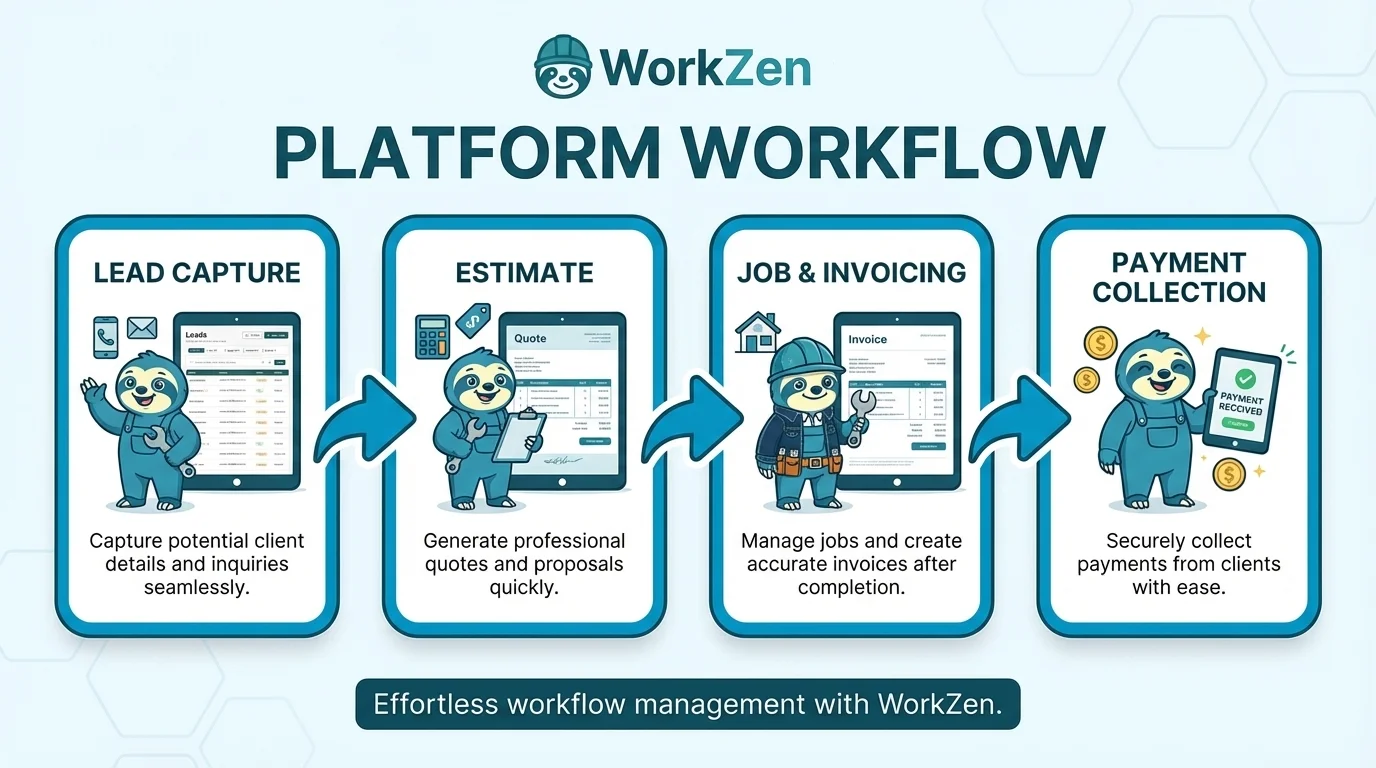
Stage 1: Capture. Every door into the pipeline
Leads reach WorkZen through five doors, and they all land in the same list:
| Source | How it arrives |
|---|---|
| Website widget | Your site's floating lead form submits straight into WorkZen |
| WordPress forms | The WorkZen connector forwards submissions from a dozen form plugins, including Contact Form 7, WPForms, and Elementor |
| Booking requests | Visitors request a visit date and time; the lead arrives with the requested slot attached |
| Phone and AI receptionist | Calls answered by your AI receptionist become leads complete with the caller's request |
| Manual entry | Walk-ins, referrals, and napkin numbers, typed in by your team |
Web leads carry their source and UTM campaign data automatically, so "which marketing actually pays for itself" stops being a guess. WorkZen also checks new arrivals against existing leads and clients and flags potential duplicates for merging.
Stage 2: Claim. Ownership in one click
The moment a lead arrives, the team is notified and the lead appears in the dashboard's New Leads module. Someone clicks Claim Lead, the status flips from New to Assigned, and the race clock stops: WorkZen records exactly how long the lead waited.
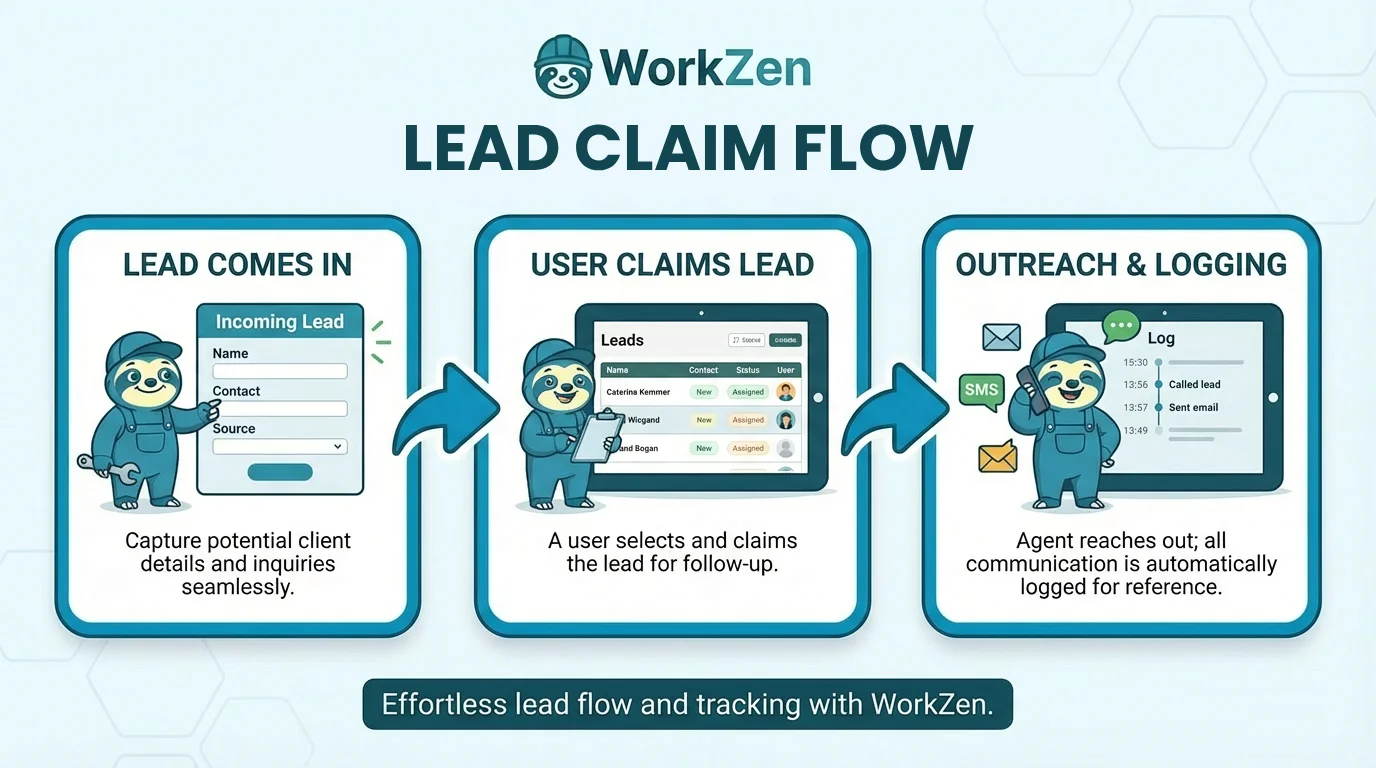
Unclaimed leads escalate visually through low, medium, high, and critical severity based on thresholds you control in Lead Settings. You can even require claiming before a lead's contact details are visible, which turns "someone should call them" into "I am calling them". The full mechanics, including reassignment, are in Claim and manage leads.
Stage 3: Work the deal
A claimed lead is a workspace. From the lead's detail page you can:
- Message or call the contact, with the outreach logged automatically.
- Schedule visits for on-site assessments.
- Create and send estimates directly from the lead's Finance tab.
- Attach files and photos, and keep the running story in comments, so anyone who picks up the phone has full context.
For a visual pipeline, drag your open leads across a Lead Board: custom kanban columns like "To contact", "Estimate sent", and "Negotiating" that show at a glance where every deal stands and where they pile up.
Stage 4: Convert. The golden moment
When the lead commits, convert them to a client. WorkZen creates the client, turns the lead's address into the client's first property, and moves every estimate, visit, comment, and file onto the new record. The lead itself remains, marked Converted and linked to the client, so revenue stays traceable all the way back to the original source.
Stage 5: From client to cash
Now you're in familiar territory: create the job, dispatch, complete the work, then invoice and record the payment, all inside the same system that caught the original form submission. When you can trace a paid invoice back to the ad campaign that produced the lead, marketing budget conversations get very short.
The habits that make it work
- Speed wins. Make claiming within minutes a team norm; the severity colors make slipping visible.
- Write everything down. The note from the first call ("mentioned they're selling next year") is gold two jobs later.
- Never let a lead float unclaimed. The most dangerous lead is the one everyone assumes someone else took.
- Don't convert early. Wait for a real commitment; premature conversions flatter your metrics and clutter your client list.
- Archive, don't delete. A "no" today is a returning searcher next season, with their whole history intact.
Frequently Asked Questions
This article answers:
- How does lead management work in WorkZen?
- What is the lead lifecycle?
- Where do leads come from in WorkZen?
- How do I go from a lead to getting paid?