How to Respond to Negative Reviews (Contractors)
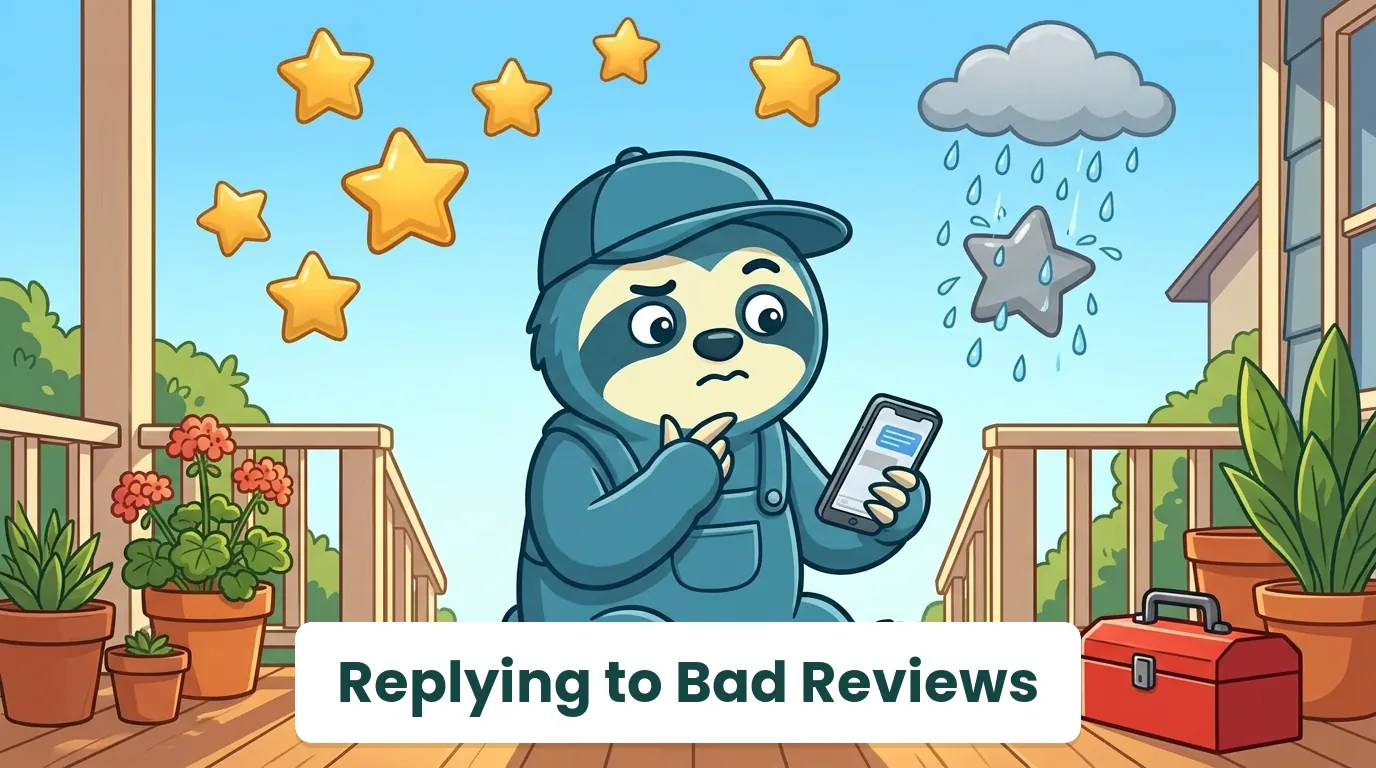
A one-star review lands on your Google profile at 9:40 on a Tuesday night. Your first instinct is to reply right now, with everything you are feeling. Your second instinct, the better one, is to put the phone down.
Bad reviews happen to every good contractor. A tech runs late, a price surprises someone, a repair does not hold. What separates the companies that keep winning jobs from the ones that do not is rarely the review. It is the reply.
This guide gives you a 5-step method, worked examples for the situations contractors actually face, and the exact Google, Yelp and Facebook mechanics, including what to do about fake reviews. Stats come from BrightLocal's Local Consumer Review Survey 2026 and Google's own help pages, checked in September 2026.
How to Respond to a Negative Review (The Short Version)
Reply within 24 to 48 hours. Thank the reviewer, acknowledge the specific problem without arguing, state what you did or will do to fix it, and move the details offline with a name and a phone number. Keep it under 100 words, and write it for the future clients who will read it, not just the reviewer.
That is the whole method. The rest of this guide is how to do it well when you are annoyed, when the client is wrong, or when the reviewer was never your client at all.
Why Your Reply Matters More Than the Review
A negative review is read by one angry person once. Your reply is read by every future client who scrolls your profile. It is the only part of the exchange you control, and it works like a small ad for how you handle problems.
The numbers back this up. In BrightLocal's 2026 survey of 1,002 US consumers (February 2026):
- 97% read reviews for local businesses
- 77% say negative reviews make them less likely to choose a business
- 80% are likely to use a business that responds to all of its reviews
- 42% are unlikely to use a business that never replies
- 19% expect a reply the same day, and 32% by the next day
A perfect 5.0 is not the goal anyway. A handful of honest bad reviews with calm, specific replies reads as more believable than a wall of five stars. We made that case in why you should stop chasing a perfect rating.
The 5-Step Reply Formula
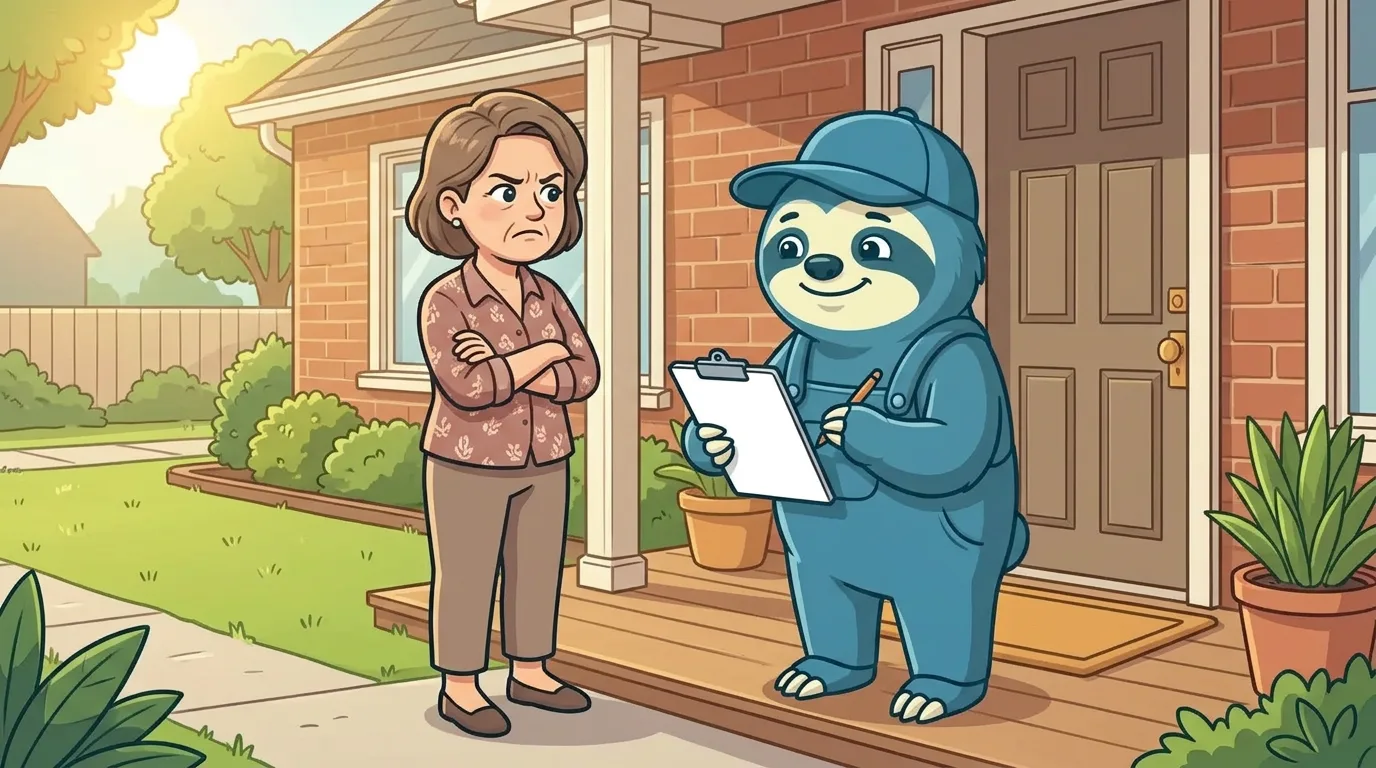
1. Thank them
Start with a short thank-you for the feedback. It is not groveling. It tells every reader that you are not going to fight.
2. Acknowledge the specific problem
Name the issue in their words: "the tech arrived two hours after the window", "the invoice was higher than the estimate". Generic replies ("We're sorry for any inconvenience") read like a template, because they are one.
3. Own it, or clarify it once
If you got it wrong, say so plainly. If the facts are different, state them once, calmly, without blame. Before you write, pull up the job: the visit time, the estimate, the tech's notes and photos. Replying from the record keeps you factual. In WorkZen, the full job and client history sits on the client's page, so this takes a minute, not a dig through texts.
4. Say what you did or will do
"We've refunded the service call fee." "We've changed how we confirm arrival windows." A concrete fix is the part future clients remember.
5. Take it offline
Give a real name and a direct number: "Please call me, Dana, at 555-0142." That ends the public back-and-forth and shows you want to solve it, not win it.
Negative Review Response Examples for Contractors
Here is the quick reference, then a worked example for each.
| Scenario | What they want | What to say | What not to say |
|---|---|---|---|
| Late or no-show | Respect for their time | Own the miss, explain the fix | "Traffic was bad" |
| Price complaint | To feel it was fair | Explain what the price covered | "You signed the estimate" |
| Property damage | Proof you will make it right | Confirm the fix and next step | Anything about liability |
| The fix didn't last | Their problem solved | Offer a return visit | "It was a different issue" |
| Rude tech | To be taken seriously | Thank them, say it is handled | The tech's name |
| Not your client | Nothing (or a competitor) | Polite "can't find you", then report | Accusations |
The tech was late (or never showed)
Own it and name the fix. Lateness is the most forgivable complaint if you do not make excuses.
Review (Columbus, OH): "Booked a 9 to 11 window. Tech showed at 1:30 with no call. Wasted my morning."
Bad reply: "Our techs have a busy schedule and traffic was heavy that day."
Good reply: "Thank you for telling us, and you're right, a 1:30 arrival with no call isn't acceptable. We've added an automatic text when a tech is running behind, so this doesn't happen again. I'd like to make it right: please call me, Mike, at 555-0118."
If no-shows on the client side are the bigger problem for you, see how to handle no-show clients.
"You charged too much"
Explain what the price covered, without defending it line by line.
Review (Kelowna, BC): "$480 for a water heater repair?! Robbery."
Bad reply: "You approved the estimate before we started."
Good reply: "Thanks for the feedback. I understand $480 was more than you expected. That covered a replacement gas valve, two hours of labour and the permit-grade venting check. If anything on the invoice isn't clear, I'm happy to walk through it with you: call me, Priya, at 555-0167."
Property damage
Confirm the next step, and keep liability and insurance out of the public reply.
Review (Houston, TX): "Your installer cracked my tile floor and just left."
Good reply: "Thank you for letting us know, and I'm sorry. Damage to your home is never okay. Our operations manager, Carla, will call you today to arrange the repair at no cost to you. You can also reach her directly at 555-0133."
The public reply is the easy part. The process behind it is in our tech damages property response plan.
"The fix didn't last"
Offer a return visit first, diagnosis second. Even if it is a new problem, arguing in public looks like dodging.
Review (Moncton, NB): "Furnace quit again three weeks after they 'fixed' it."
Good reply: "Thanks for telling us, and I'm sorry you're dealing with this again, especially in the cold. We'd like to come back and look at it right away, and there's no charge for the visit if it's related to our repair. Please call me, Luc, at 555-0104."
Callbacks are expensive in reviews and in margin. Here is how to reduce callbacks at the source.
A rude tech
Thank them, say it is handled, and never name or blame the employee in public.
Good reply: "Thank you for telling us. That's not how we want anyone treated in their home, and I've addressed it directly with our team. I'd like to hear the full story and make it right: please call me, Sam, at 555-0150."
Someone who was never your client
Check your records first. If there is no match, reply politely and report it.
Good reply: "Thank you for the feedback. We can't find a job under this name or address, so this may be meant for another company. If we did work for you, please call me at 555-0122 so we can sort it out."
Then report the review (see below). The polite reply protects you while Google looks at it.
How to Respond to a Negative Google Review
Per Google Business Profile Help (September 2026):
- Go to your Business Profile (search your business name on Google while signed in, or open the Google Maps app).
- Select Read reviews.
- Next to the review, select Reply, write your response, and select Reply again.
A few details worth knowing:
- Replies are moderated. Google says replies usually take up to 10 minutes to appear, but can take up to 30 days.
- The reviewer is notified when you reply, and your personal name is not shown, only the business name.
- You can edit or delete your reply later from the same Read reviews screen.
- Reviewers can update their review after reading your reply. A good reply followed by a phone call is how one-star reviews become four-star ones.
A strong Google profile is a lead source on its own. More on that in turning your Google Business Profile into a lead machine.
Fake or Unfair Reviews: Flag, Then Reply
Google removes reviews that break its policies, not reviews you disagree with. Its fake engagement policy covers reviews that are paid for, not based on a real experience, or written with a conflict of interest, such as a competitor or a former employee.
To report one, per Google Business Profile Help (September 2026):
- Open your Business Profile and select Read reviews.
- Select the Report option next to the review and pick a reason.
- Or use Google's Reviews Management Tool to report it and track its status.
Google says evaluation "typically takes several days", and if the review stays up you can file one appeal through the same tool.
Two rules that can get you in trouble:
- Never offer anything to change or remove a review. Google's policy prohibits offering "payment, discounts, free goods and/or services" in exchange for posting, revising or removing a negative review.
- Never discourage negative reviews or ask only happy clients for reviews. Google prohibits merchants from selectively soliciting positive reviews.
Facebook and Yelp: What Changes
- Yelp lets you respond two ways from your business account: a public comment under the review, and a direct message to the reviewer (Yelp for Business). Use the public comment for the calm, short version everyone sees, and the direct message for the details.
- Facebook calls reviews "recommendations". You reply publicly the same way you comment on a post, and you can move the conversation to Messenger.
The 5-step formula works on all three. Only the buttons change.
What Never to Say in a Review Reply
- Arguments: "That's not what happened" as your opening line. State the facts once, later, calmly.
- Private details: job addresses, invoice amounts they did not mention, anything about their home.
- Blame by name: "Our tech Kevin says..." Handle your team in private.
- Legal threats: "Remove this or we'll take action." It never helps, and it always gets screenshotted.
- Copy-paste replies: the same sentence under every review tells readers nobody is listening.
- Sarcasm or humor at the reviewer's expense. Save the jokes for the five-star replies.
Turn Bad Reviews Into Fewer Bad Reviews
The best reply is the one you never have to write. Two habits make the biggest difference:
- Close the loop on every job. A quick check-in call or text after the visit catches problems while they are still private and fixable.
- Ask every client for a review, every time. One bad review among five is a disaster. One among fifty is a data point. WorkZen's review requests give your tech a QR code to show at the door, or a link to text from the office, right after the job while the client is still happy. We covered more tactics in how to get more Google reviews.
The Bottom Line
Reply within a day, thank them, name the problem, state the fix, and take it offline. Write for the next client reading your profile, not for the person who is upset, and never trade anything for a changed review.
Do that consistently, and ask every happy client for a review too, and a bad review stops being a threat. It becomes proof that you handle problems like a pro. For the other half of the equation, see how to get more Google reviews.
Frequently Asked Questions
Ready to transform your field service business?
Start using WorkZen today. It's free to get started!