Tap to Pay on iPhone Is Now in WorkZen
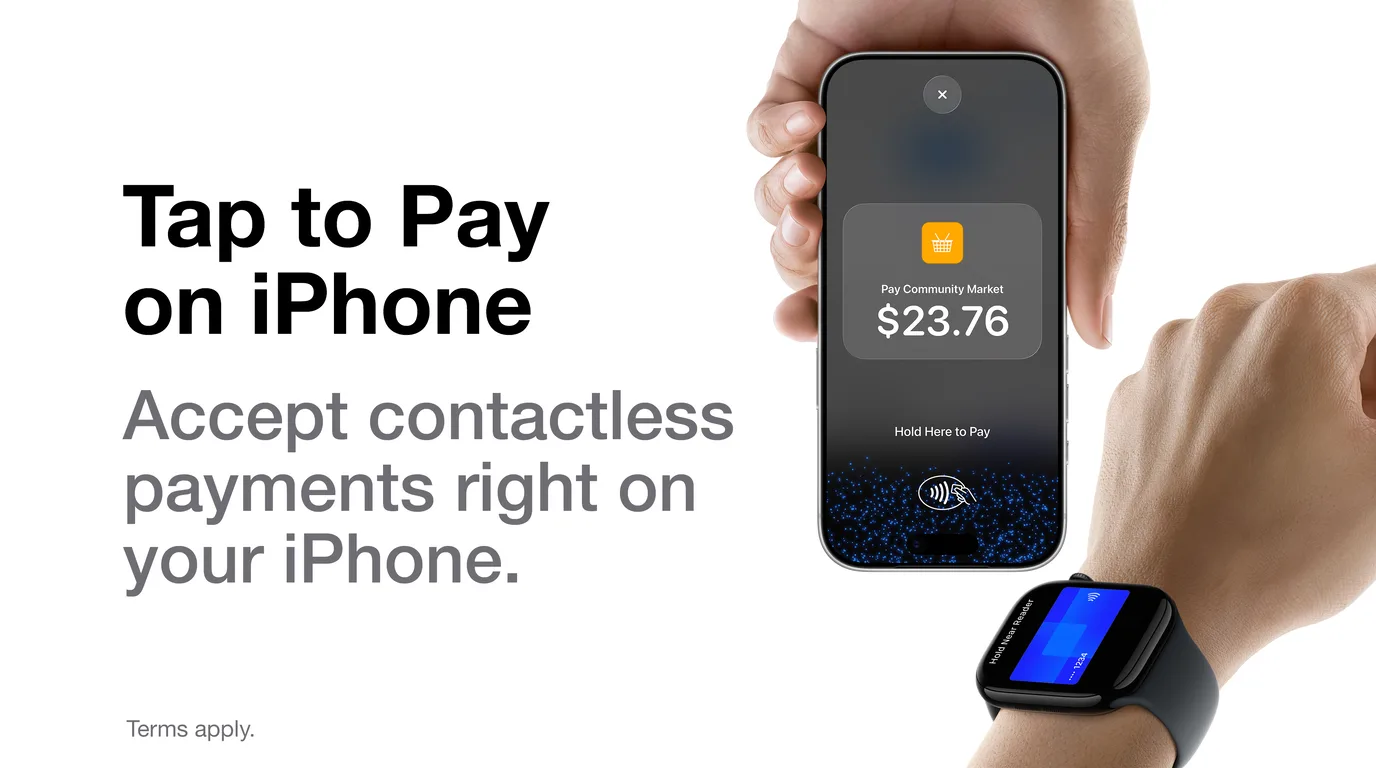
Tap to Pay on iPhone is now available with WorkZen. Accept contactless payments right on your iPhone.
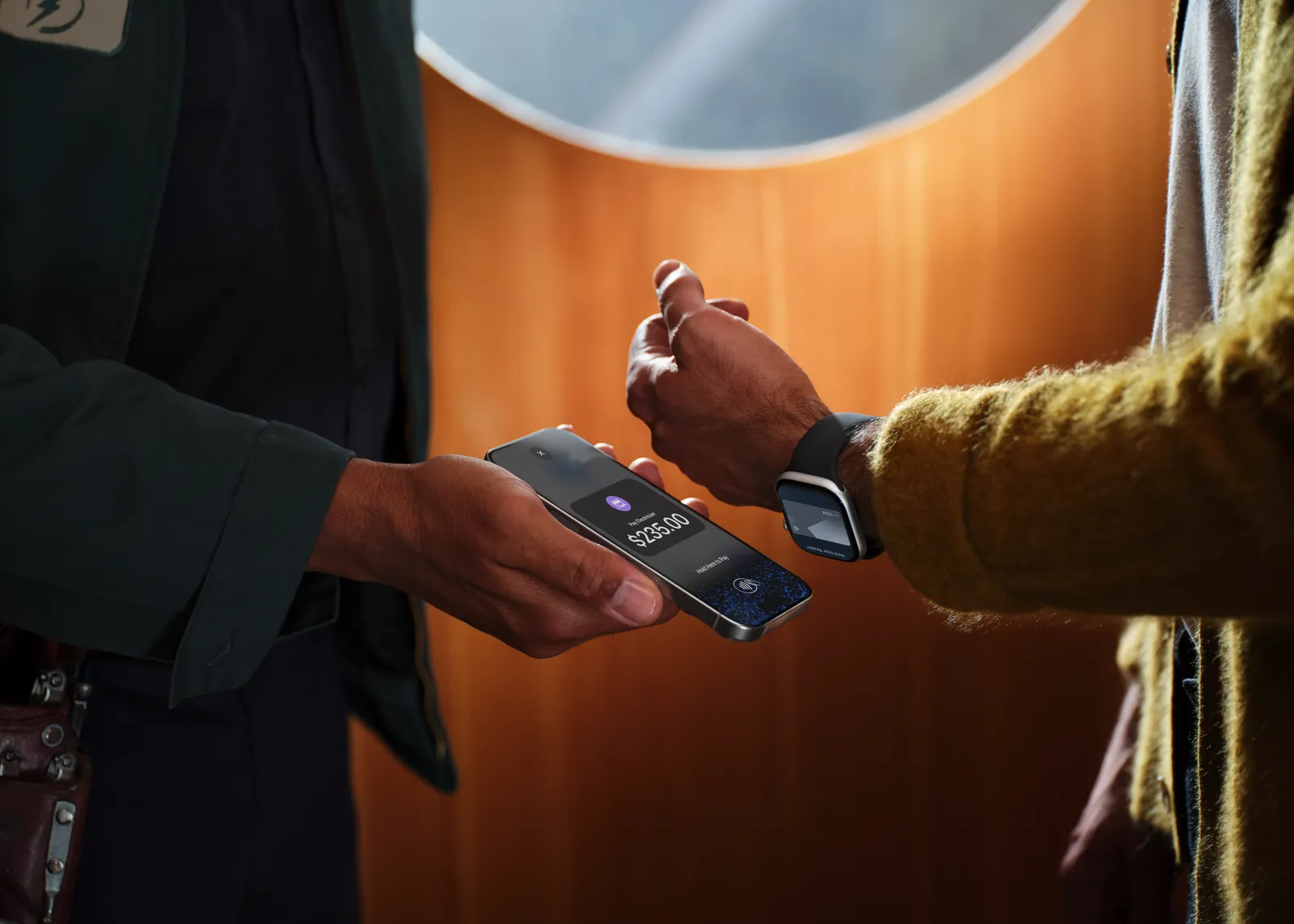
With Tap to Pay on iPhone, there's no need for additional card readers and terminals. All you need is your iPhone and the WorkZen app.
Download the app to get started
How it works
It's easy to use.
- 1
Open the WorkZen app on your iPhone, and open the invoice, then start the payment from its Payments tab.
- 2
Present your iPhone to the customer.
- 3
Your customer holds their card horizontally or their device at the top of your iPhone, over the Contactless Symbol for a few seconds.
- 4
When you see the Done checkmark, the card read is complete and the transaction is being processed.
What WorkZen does with the payment
The payment records against the invoice right away, the invoice status updates, and it lands in your Payments list like any other payment. Your client signs on screen, and you send the receipt by email or text, or show a QR code they can scan.
Tips and processing fees follow the settings you already use for online payments. The first time on your iPhone, WorkZen walks you through accepting the Tap to Pay on iPhone terms, followed by a short tutorial.
Invoice #1047
Panel upgrade · Riverside home
Job done. The invoice is open, and the client is right there.
Expand where you do business
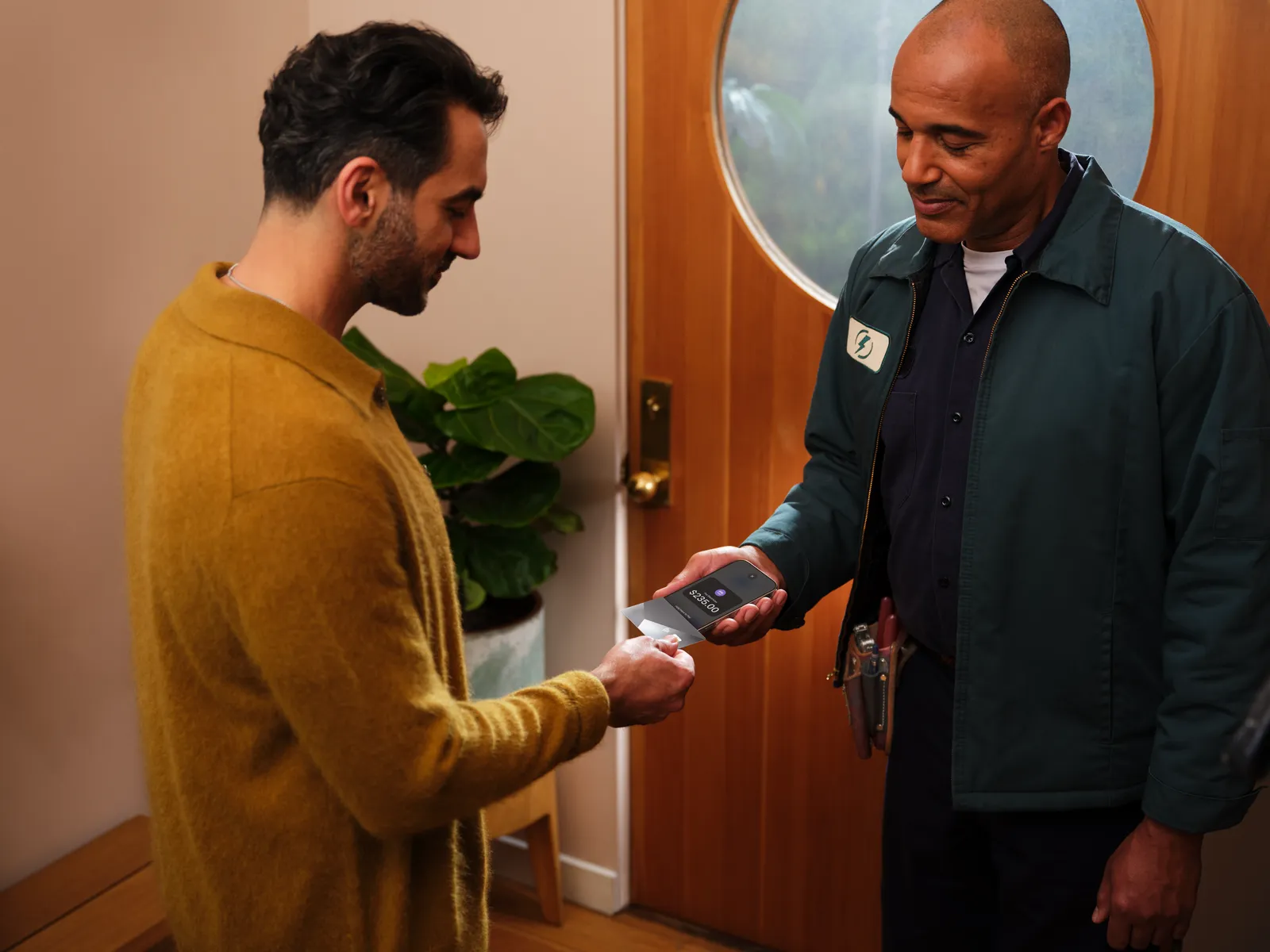
With Tap to Pay on iPhone, now you can accept all types of in-person, contactless payments right on your iPhone so you can reach more customers, take payments on the go and explore new setups, like line busting.
Privacy and security of iPhone built in
Tap to Pay on iPhone uses the built-in security and privacy features of iPhone to help protect your business and customer data. When a payment is processed, Apple doesn't store card numbers or PIN information on Apple servers. So merchants and customers can rest assured that their data stays theirs.
No additional hardware required.
With Tap to Pay on iPhone, now you can accept in-person, contactless payments right on your iPhone. There's no need for additional card readers or terminals. All you need is your iPhone and the WorkZen app.
PIN transaction protection.
When a transaction requires a PIN, Tap to Pay on iPhone helps prevent PIN digits from being recorded, so customers can enter them safely.*
Accessible for everyone.
For customers needing visual or other assistance, accessibility options are built into Tap to Pay on iPhone to help them securely enter their PIN information.
Built for work at the client's door
Electricians
Panel swapped and tested. Collect on the invoice while the client is still at the door, and the receipt goes out by text.
HVAC
Furnace back on, invoice open. Get paid before you pack up the van, and the payment is already on the invoice back at the office.
Plumbing
Late emergency call. The client pays on the spot and signs on screen, and nobody chases an invoice next week.
Garage doors
Spring replaced in the driveway. The job closes with the payment recorded and the receipt already sent.
Also built for cleaning, landscaping, roofing, pest control, appliance repair, locksmiths, painters, pool service and every other trade that finishes the job in front of the client.
Getting started is easy
- 1
Download the WorkZen app.
- 2
Complete sign-up information.
- 3
Accept in-person, contactless payments — right on iPhone.
Tap to Pay on iPhone in WorkZen needs the WorkZen iPhone app on an iPhone XS or later running iOS 17.6 or later, a connected Stripe account, and card payments on your plan (ZenGrow or ZenAI), for companies in Canada and the United States. An admin accepts the terms once for your company; after that, anyone on your team with the record payments permission can collect. The full walkthrough is in the help center: Take card payments in person.
Get started with Tap to Pay on iPhone and WorkZen today
Try it today. Download the app to get started.
Tap to Pay on iPhone Requirements: Tap to Pay on iPhone requires a supported payment app and the latest version of iOS. Update to the latest version by going to Settings > General > Software Update. Some contactless cards may not be accepted by your payment app. Transaction limits may apply. Tap to Pay on iPhone is not available in all markets. For Tap to Pay on iPhone countries and regions, see https://developer.apple.com/tap-to-pay/regions/.
Contactless Indicator Mark: The Contactless Indicator mark, consisting of four graduating arcs, is a trademark owned by and used with permission of EMVCo, LLC.
Contactless Symbol: The Contactless Symbol is a trademark owned by and used with permission of EMVCo, LLC.
Tap to Pay on iPhone Encryption and Storage: *Encrypted card numbers are temporarily stored on iPhone only for transactions made in Store and Forward mode.
Apple Pay is a service provided by Apple Payments Services LLC, a subsidiary of Apple Inc. Neither Apple Inc. nor Apple Payments Services LLC is a bank. Any card used in Apple Pay is offered by the card issuer.
Frequently Asked Questions
Ready to transform your field service business?
Start using WorkZen today. It's free to get started!