Appointment Reminder Texts: 25 Examples That Work
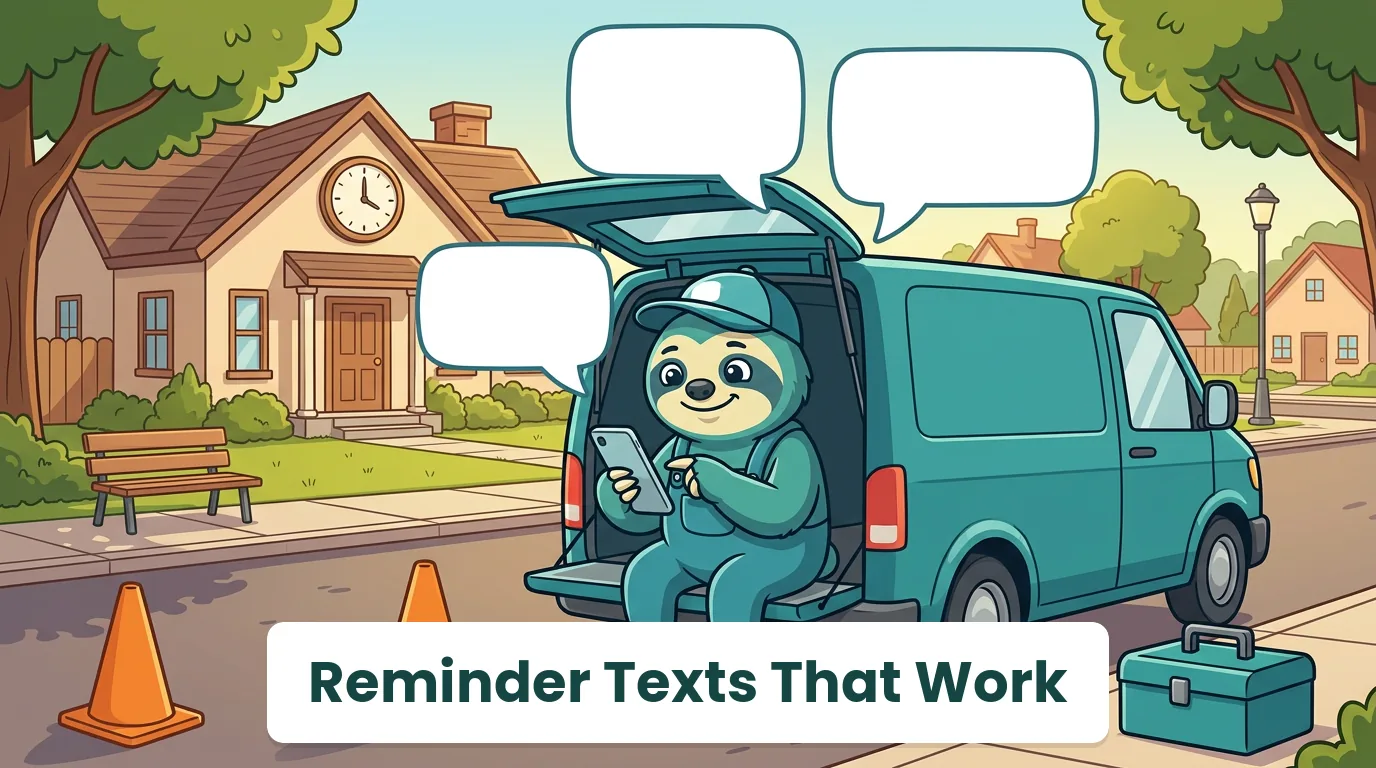
A reminder text is the cheapest thing you can do about no-shows. It costs pennies, takes a minute to write once, and it catches the client who forgot, the one whose plans changed, and the one who would have left the gate locked.
Most reminder templates online are written for dentists and hair salons, where the client comes to you. Field service is the other way around. You go to the client's home, you give an arrival window instead of an exact time, and you need the dog put away and the panel cleared before you arrive. This guide is written for that job: what a good reminder text includes, when to send each one, 25 examples you can adapt, and the rules that keep your texts legal in the US and Canada.
What a Good Appointment Reminder Text Includes
A good appointment reminder text names your business, the date and arrival window, the service, and the technician's name, and gives one clear action, such as reply C to confirm or R to reschedule. It stays under 160 characters when possible, sounds like a person, and carries no marketing, so it reads as help rather than spam.
The anatomy, in order:
- Who you are. Your business name first, because most people do not have your number saved.
- When. The day, the date, and an arrival window ("between 1 and 3 pm"), not a promise you cannot keep.
- What. The service, in the client's words: "furnace tune-up," not "Job #4471."
- Who is coming. A first name makes the knock on the door less strange.
- One action. Confirm, reschedule, or nothing at all. One is plenty.
Everything else, like prep asks and payment notes, belongs in the day-before message, not the confirmation.
When to Send Appointment Reminders: the 4-Text Cadence
| Timing | Purpose | Example opening |
|---|---|---|
| Right after booking | Confirm the visit and set expectations | "You're booked with..." |
| 24 to 48 hours before | Remind, add prep asks, invite reschedules | "Reminder: we'll see you tomorrow..." |
| Morning of the visit | Confirm the window is still right | "Good morning! Today between..." |
| When the tech leaves | Arrival estimate and tracking link | "I'm on my way..." |
Four texts sounds like a lot until you look at what each one prevents: the forgotten appointment, the locked gate, the "I thought it was next week," and the call to the office asking where the technician is. If your jobs are booked weeks out, add one more reminder a week before.
Appointment Confirmation Text Examples
Send these right after the booking, while the client is still thinking about you.
1. Standard confirmation
Hi Dana, you're booked with Zen Plumbing for a water heater inspection on Tue, Oct 21, between 1 and 3 pm. Reply R anytime to reschedule.
Why it works: date, window, service and an easy out, in 140 characters.
2. Confirmation with technician name
Hi Mark, this is Riverside HVAC. Priya will be at your place Thu, Oct 23, 8 to 10 am for your furnace tune-up. Reply C to confirm.
Why it works: a name makes the visit feel personal and gives the client a way to recognize the tech.
3. Confirmation for a first-time client
Welcome to Northside Handyman, Leo! Your visit is set for Sat, Oct 25, 9 to 11 am. We'll text the day before with a reminder. Questions? Just reply here.
Why it works: new clients get told what happens next, which is half of what builds trust.
4. Confirmation for an estimate visit
Thanks, Aisha! We'll come by Mon, Oct 27, between 4 and 5 pm to look at the deck and give you a written estimate. No charge for the visit.
Why it works: it removes the biggest worry for an estimate appointment, whether it costs anything.
Reminder Texts for the Day Before
This is the reminder that saves the most wasted trips, because it is also the place for prep asks.
5. Standard day-before reminder
Reminder from Zen Plumbing: we'll see you tomorrow, Tue, between 1 and 3 pm. Reply C to confirm or R to reschedule.
6. With prep asks
Hi Mark, Priya from Riverside HVAC arrives tomorrow 8 to 10 am. Please clear a path to the furnace and keep pets in another room. Thanks!
Why it works: the tech walks straight in and starts, instead of spending 15 minutes moving boxes.
7. With access details
Hi Leo, see you tomorrow 9 to 11 am. Is there a gate code or a spot to park? Reply here and we'll pass it to Sam.
8. With an adult-at-home request
Reminder: your electrical panel upgrade is tomorrow, 8 am to noon. Someone 18 or older needs to be home to let us in and sign off. Reply R if that's a problem.
Why it works: it catches the "my teenager will be there" problem before the tech is standing at the door.
"On My Way" and Running-Late Texts
The "on my way" text is the single most appreciated message in field service. It turns a four-hour wait into a known arrival time.
9. On my way
Hi Dana, it's Marco from Zen Plumbing. I'm on my way and should arrive around 2:15.
10. On my way with a tracking link
Hi Mark, Priya from Riverside HVAC is on her way. Follow along and see her arrival estimate here: [tracking link]
Why it works: clients stop calling the office, because the answer to "where is she?" is on their screen.
11. Running a little late
Hi Leo, Sam here. The job before yours ran long, so I'm about 25 minutes behind. New arrival around 11:10. Sorry about that!
Why it works: specific, honest, and sent before the window ends, not after.
12. Running very late, with a choice
Hi Aisha, we're running over an hour late today. We can still come by 6:15, or move you to tomorrow at 4. Which works better?
Why it works: giving the client the choice turns a complaint into a decision.
Reschedule, Weather and Cancellation Texts
13. Client asked to reschedule
No problem, Dana! You're moved to Thu, Oct 23, between 1 and 3 pm. Reply R again if anything changes.
14. Weather reschedule for outdoor work
Hi Carla, rain is forecast all day tomorrow, so we'd like to move your exterior paint prep to Friday, same time. Reply Y to accept or call us to pick another day.
Why it works: you make the call before the client wonders, and you already have a new slot ready.
15. Cancellation confirmation
Your Oct 27 visit with Northside Handyman is cancelled. Whenever you're ready, just reply here and we'll find a new time.
16. Missed appointment follow-up
Hi Tom, we stopped by at 10 today but no one was home. Want to set a new time? Reply with a day that works and we'll hold a window for you.
Why it works: no blame, one easy next step. For repeat no-shows, see our guide on how to handle no-show clients.
After-the-Visit Texts: Thank You, Invoice, Review
17. Thank you
Thanks for having us today, Mark! Priya left notes on your furnace in your service record. Stay warm this winter.
18. Invoice link
Hi Dana, here's your invoice for today's water heater repair: [link]. You can pay by card or bank transfer. Thanks for choosing Zen Plumbing!
Why it works: sending the invoice while the good work is still fresh gets it paid faster. More on that in asking for payment before you leave the site.
19. Review request
Hi Leo, glad we could fix that door today. If you have a minute, a quick review helps a small business like ours a lot: [review link]
Why it works: short, sent the same day, one link. Our Google reviews guide covers the timing, and if a review comes back unhappy, here is how to respond to negative reviews.
20. Follow-up check
Hi Aisha, it's been a week since we fixed the leak under your sink. Everything still dry? Reply here if anything's off and we'll come back.
Why it works: it catches a problem while it is small, which is how you reduce callbacks and win repeat work.
Trade-Specific Examples
21. HVAC seasonal tune-up
Hi Mark, it's Riverside HVAC. Your furnace tune-up is due before the cold hits. Want your usual October slot? Reply Y and we'll book it.
22. Plumbing, water shut-off heads-up
Reminder: tomorrow's repipe means the water will be off from about 9 am to 3 pm. Fill a few jugs tonight. See you at 8:30!
23. Cleaning, access and supplies
Hi Sofia, your home cleaning is tomorrow at 10. We bring all supplies. Leave the key in the lockbox as usual, and let us know about any rooms to skip.
24. Lawn and landscape, gate and pets
Hi Greg, we're mowing tomorrow between 7 and 9 am. Please unlock the side gate and keep the dogs inside. Thanks!
25. Pest control, prep before treatment
Reminder: your pest treatment is Thu, 1 to 3 pm. Please clear under the sinks and move pet bowls away from the baseboards before we arrive.
Rules That Keep Your Texts Legal
Texting clients is regulated in both countries. What follows is a plain summary, not legal advice; check with a lawyer for your situation.
United States: the TCPA. Under the FCC's TCPA rules, a text message counts as a call. Automated texts to a mobile number need the client's prior express consent, and texts that advertise or market need prior express written consent. Clients can revoke consent by any reasonable method, including replying "STOP," and you must honor it within 10 business days. Telephone solicitations are not allowed before 8 am or after 9 pm in the client's time zone, which is a good rule for every text you send. (47 CFR 64.1200)
In practice: get consent to text when the client books, keep reminders informational, and keep marketing texts, like seasonal promotions, on a separate, written opt-in.
United States: A2P 10DLC. Business texts sent from a regular 10-digit US number go through A2P 10DLC, the carriers' registration system. Your business registers a brand and a messaging campaign, including how clients opt in and opt out. Unregistered traffic gets filtered more and costs extra carrier fees (Twilio A2P 10DLC documentation). If you text through your field service software, it usually handles registration for you; ask before you send your first batch.
Canada: CASL. Canada's Anti-Spam Legislation covers commercial electronic messages, texts included. Messages that confirm or complete a transaction the client already agreed to, or provide a quote they asked for, do not need separate consent, but they still must identify your business, give a way to contact you, and include an unsubscribe mechanism (CASL, section 6). Add a short "Reply STOP to opt out" line to your first message and honor it.
Manual Texts vs Automated Reminders
You can send every one of these texts by hand from your phone. For a few visits a week, that is fine. The trouble starts when the texts depend on someone remembering to send them at 8 pm the night before, every night.
The payoff from doing it reliably is well documented, at least in healthcare. A 2013 Cochrane review of 7 trials with 5,841 people found text reminders improved attendance compared with no reminder (risk ratio 1.14, 95% CI 1.03 to 1.26), and worked about as well as phone call reminders, at a fraction of the effort. Home visits are not doctor's appointments, but the mechanism is the same: people forget, and a timely nudge fixes most of it.
Automated reminders take the remembering out of it. WorkZen sends automated appointment reminders by text or email, and every message is logged to the client's profile, so the whole team can see what was sent. Reminders sit on the same scheduler as your visits. On ZenGrow and up, each visit also has a live tracking link you can copy from the Map and paste into your "on my way" text, so clients can follow the technician's arrival (how tracking links work). Two-way texts come from your business number, not the tech's personal cell.
The Bottom Line
Send four texts per visit: a confirmation, a day-before reminder with prep asks, a morning-of note, and an "on my way." Keep each one short, specific and human, get consent before you text, and let software handle the timing so nobody has to remember. The no-shows you prevent pay for all of it.
If no-shows are already costing you, start with our guide on how to handle no-show clients.
Frequently Asked Questions
Ready to transform your field service business?
Start using WorkZen today. It's free to get started!